
Building an e-ink desk companion
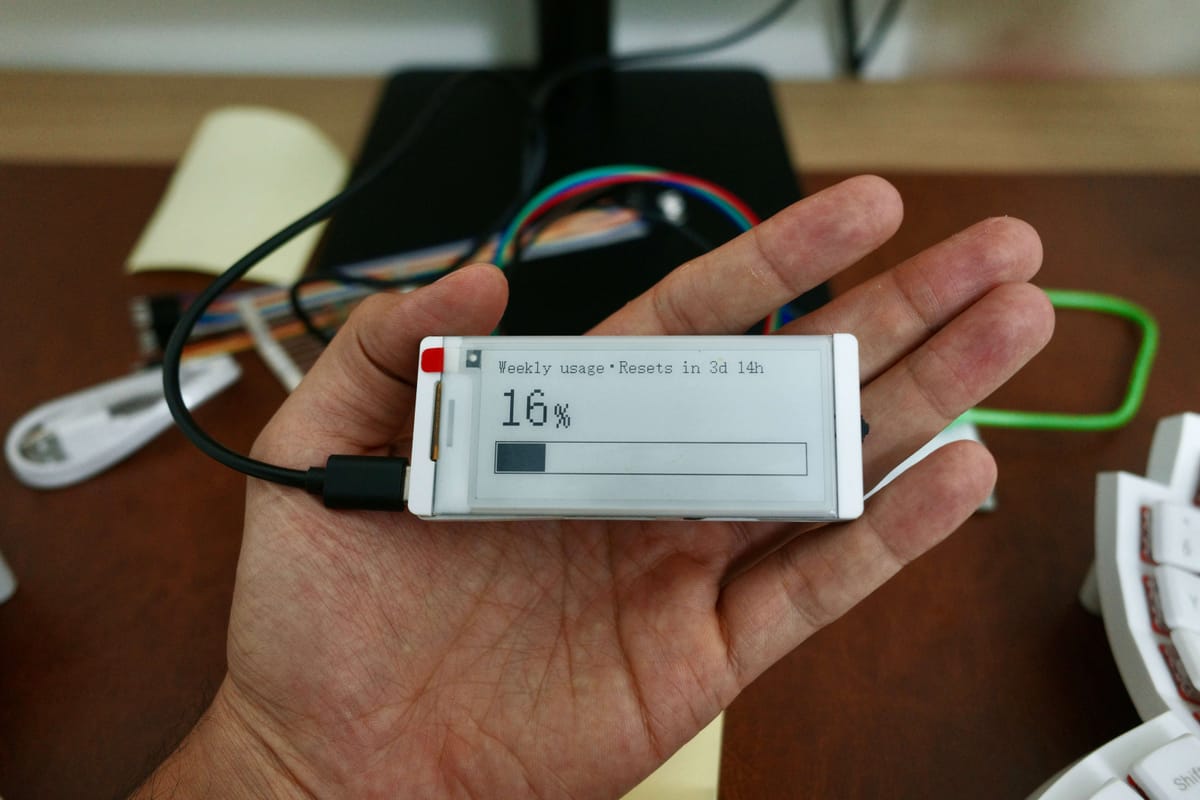
After working through the initial ESP32 firmware, I was excited to get into the next project and seeing something on the screen through the firmware seemed like the natural next step. But, instead of the normal screen I chose an e-ink display because I love them and, I wanted to delay the gratification that would come with, say, an OLED display.
I wanted to extend the Claude idea, and instead of showing the working status, I wanted to show the usage left for my current session and the week. So ordered the CrowPanel ESP32 E-Paper HMI 2.9-inch Display. Since the display already comes with the ESP32 attached, there is no soldering or any kind of wiring required. I could just plug it into the computer and start writing the firmware.
As a bonus, it would also come with three buttons apart from the reset and on/off button, and apparently you could also program those buttons. Fun!
Architecture
Showing my current Claude usage would involve two parts: a simple function on mac sitting in the background, emitting the digestible data that the display would, well... display. And the display (ESP32) that would connect to the home wifi, receive and display it on the... well... display.
I initially wanted to host that endpoint in the cloud somewhere so I could access it from anywhere but it turns out it was much more complicated and would involve refreshing the authentication tokens and what not. In comparison, having a local daemon running seemed much simpler.
Then we also programmed the buttons such that, by default, it would show the session usage, and once you click the button, it would show the weekly usage.
This was already exciting enough but I felt like I could take it to the next level by making it talk to the internet.
As a third step I integrated an external API that would display the Bitcoin graph. And it worked as the third mode.
There was no stopping now. How about as a fourth screen we display a graph showing my intraday PnL along with the numbers? I already had a localhost set up that collects the open positions across different brokers and shows a consolidated view. So the next step was to simply update the daemon payload data with this intraday positions data. And voilà.
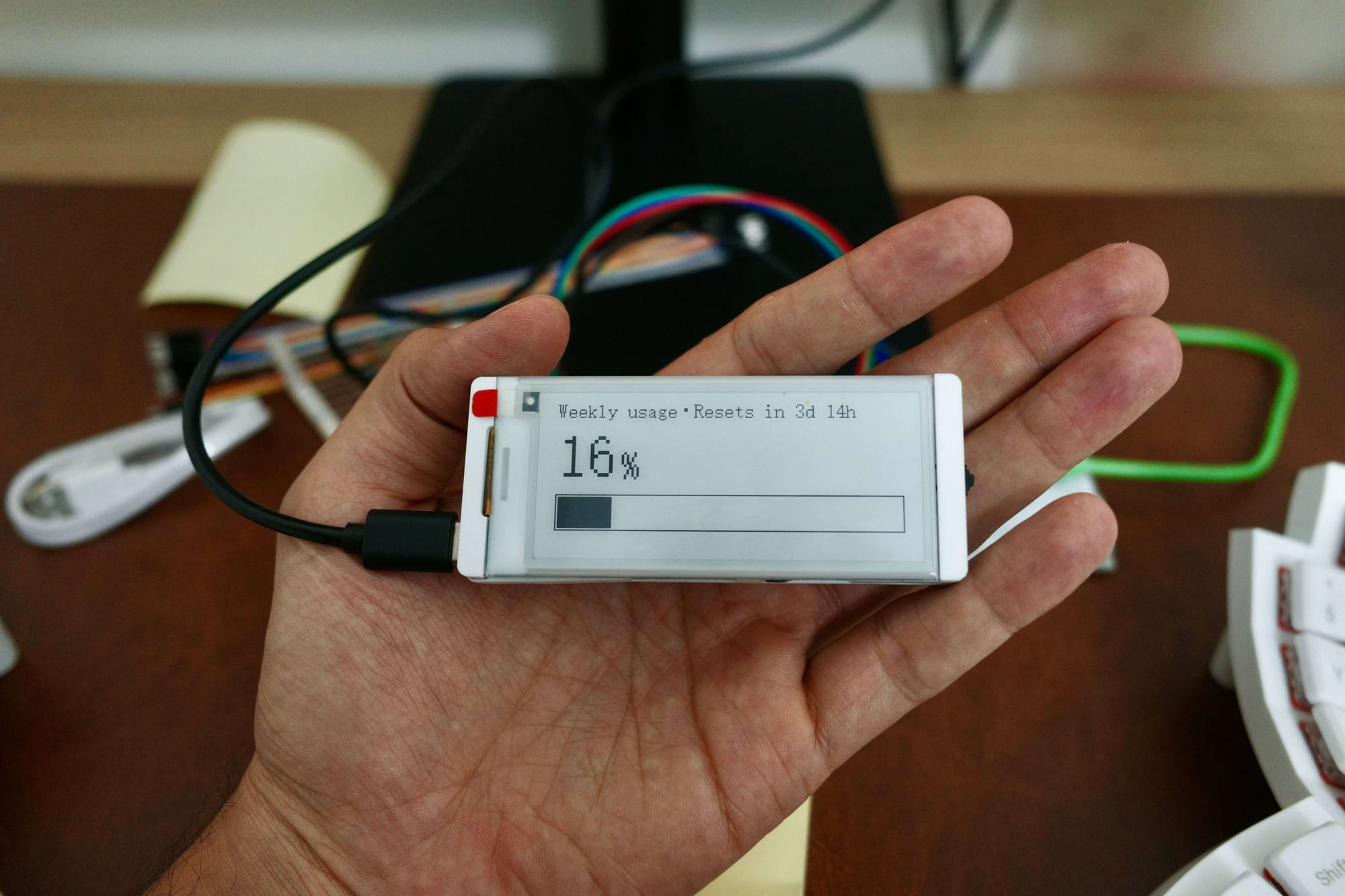
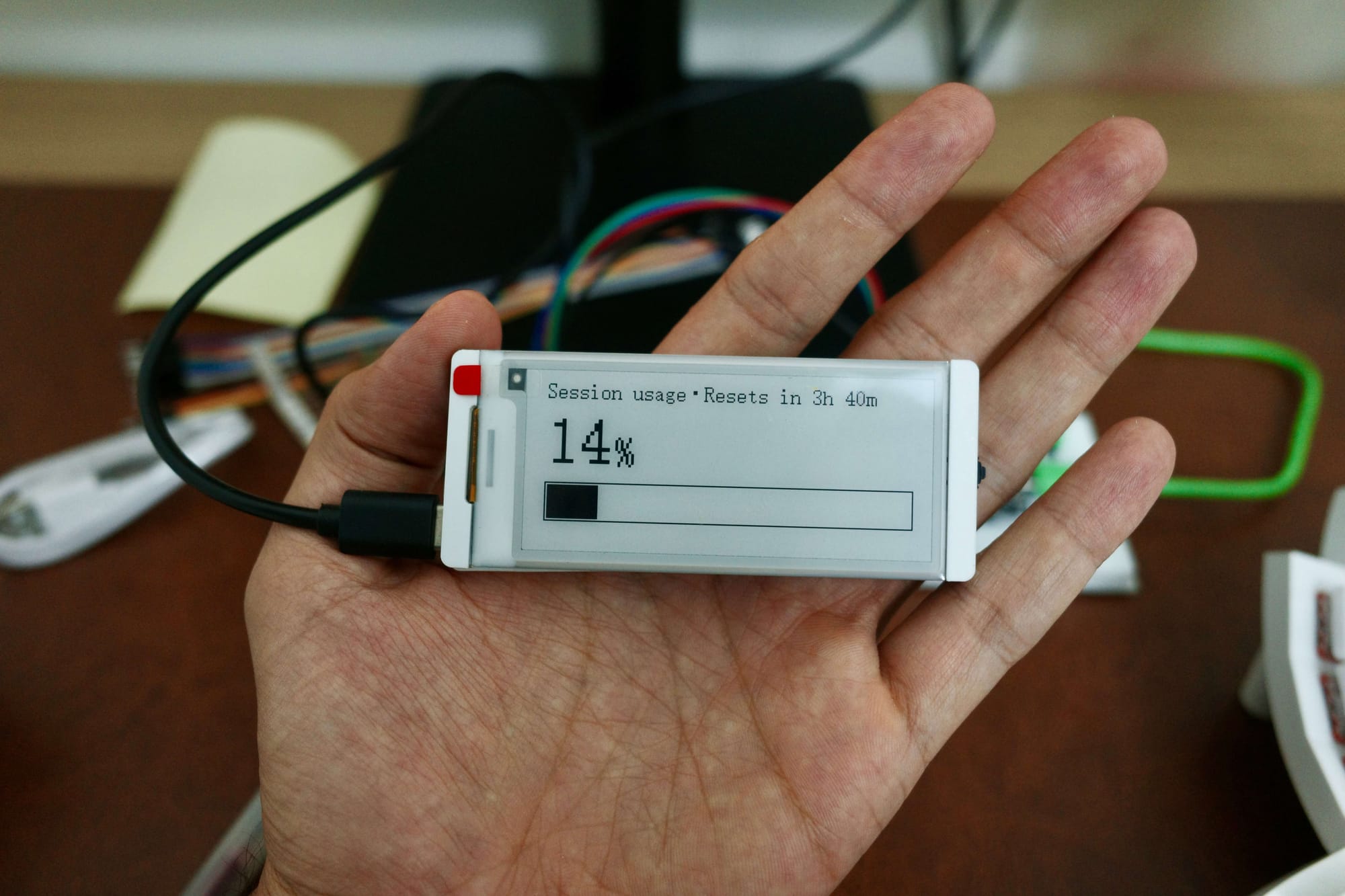
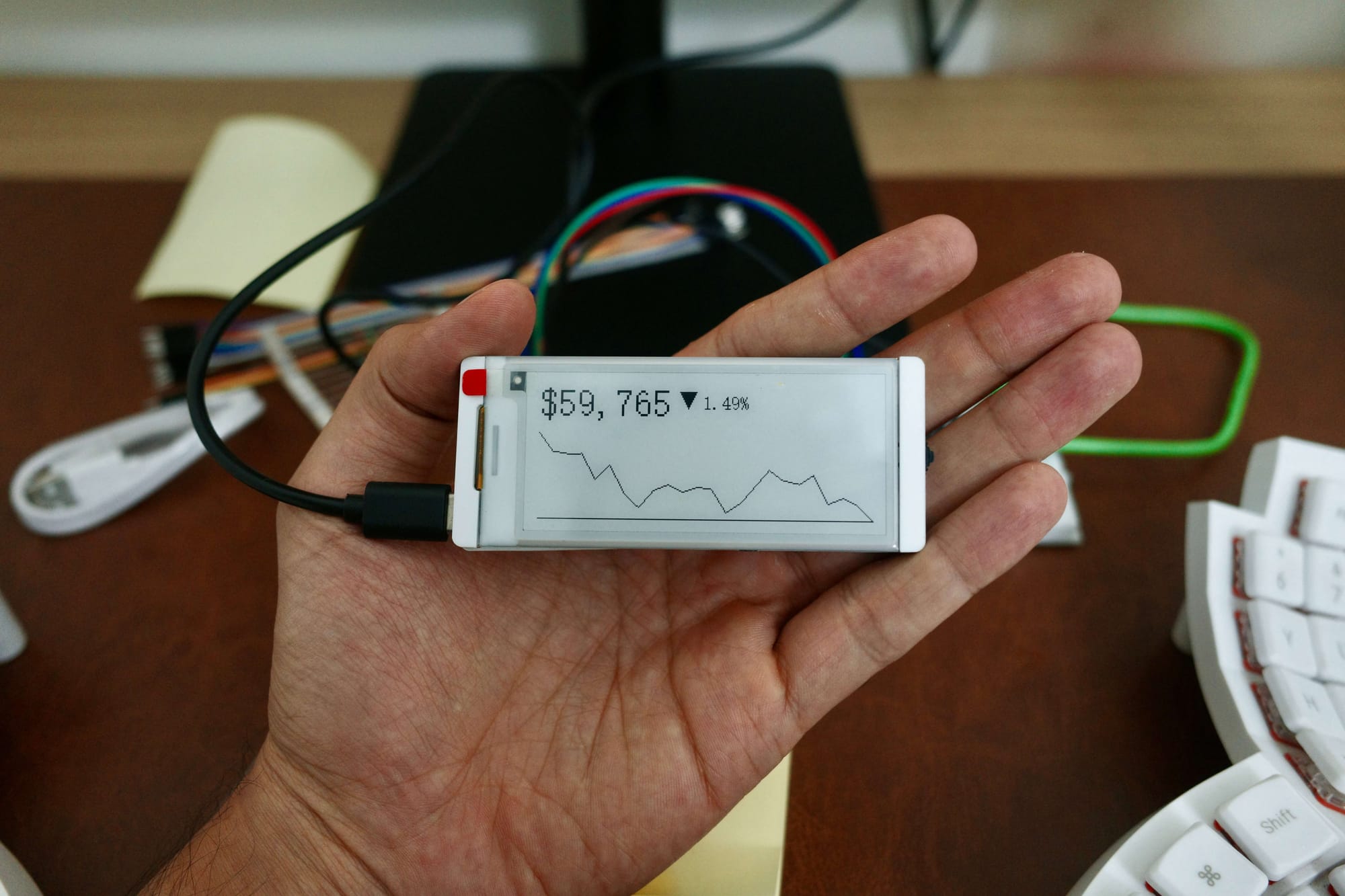
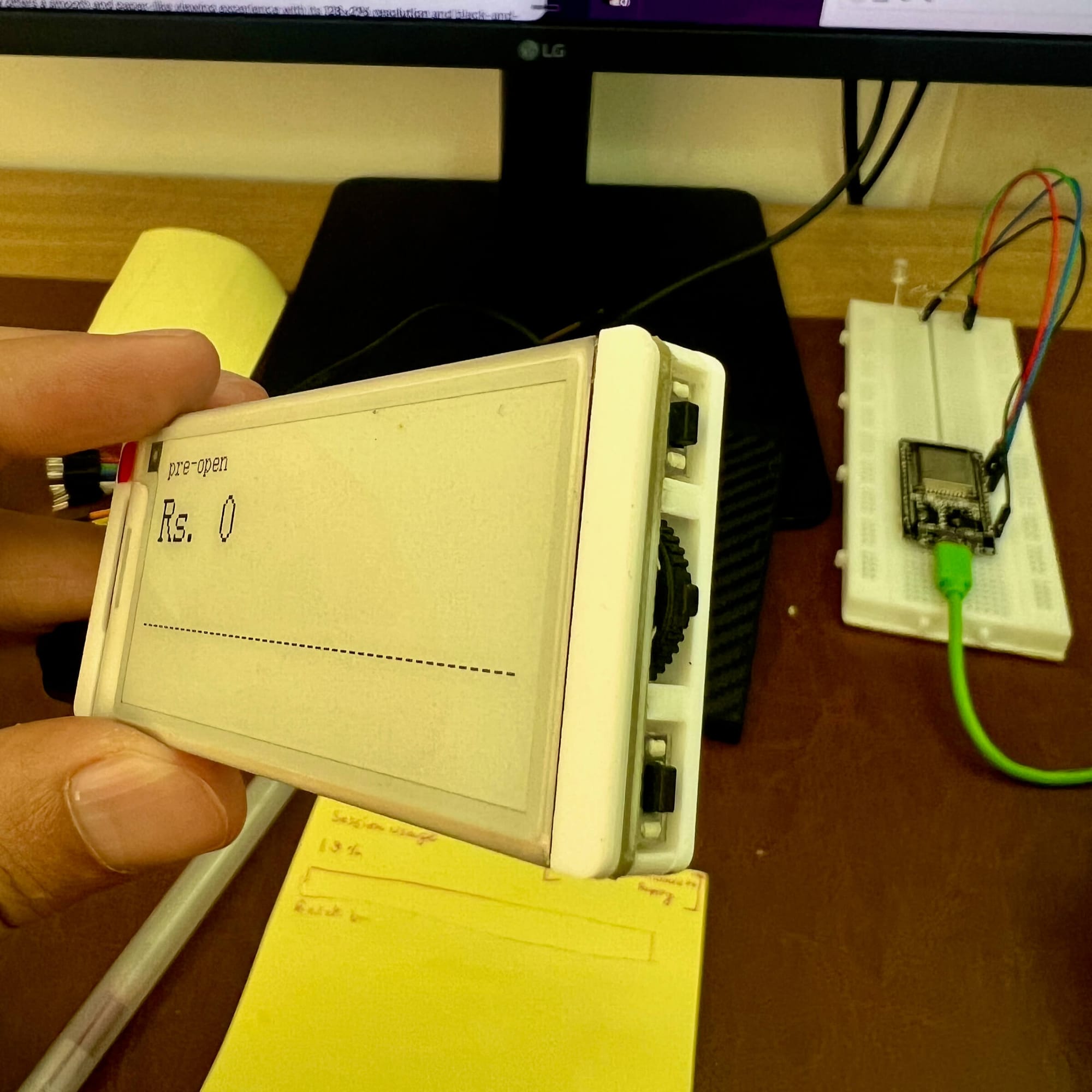
Claude usage, along with the live Bitcoin graph accessed through the side buttons
Designing for an e-ink display
Now that we had four different screens, I wanted to make them look consistent, and so I got into designing the interface.
It turns out that this particular e-ink display comes with limited set of sizes. Curiously the biggest size comes with a different typeface, which is like the digital display clock font.
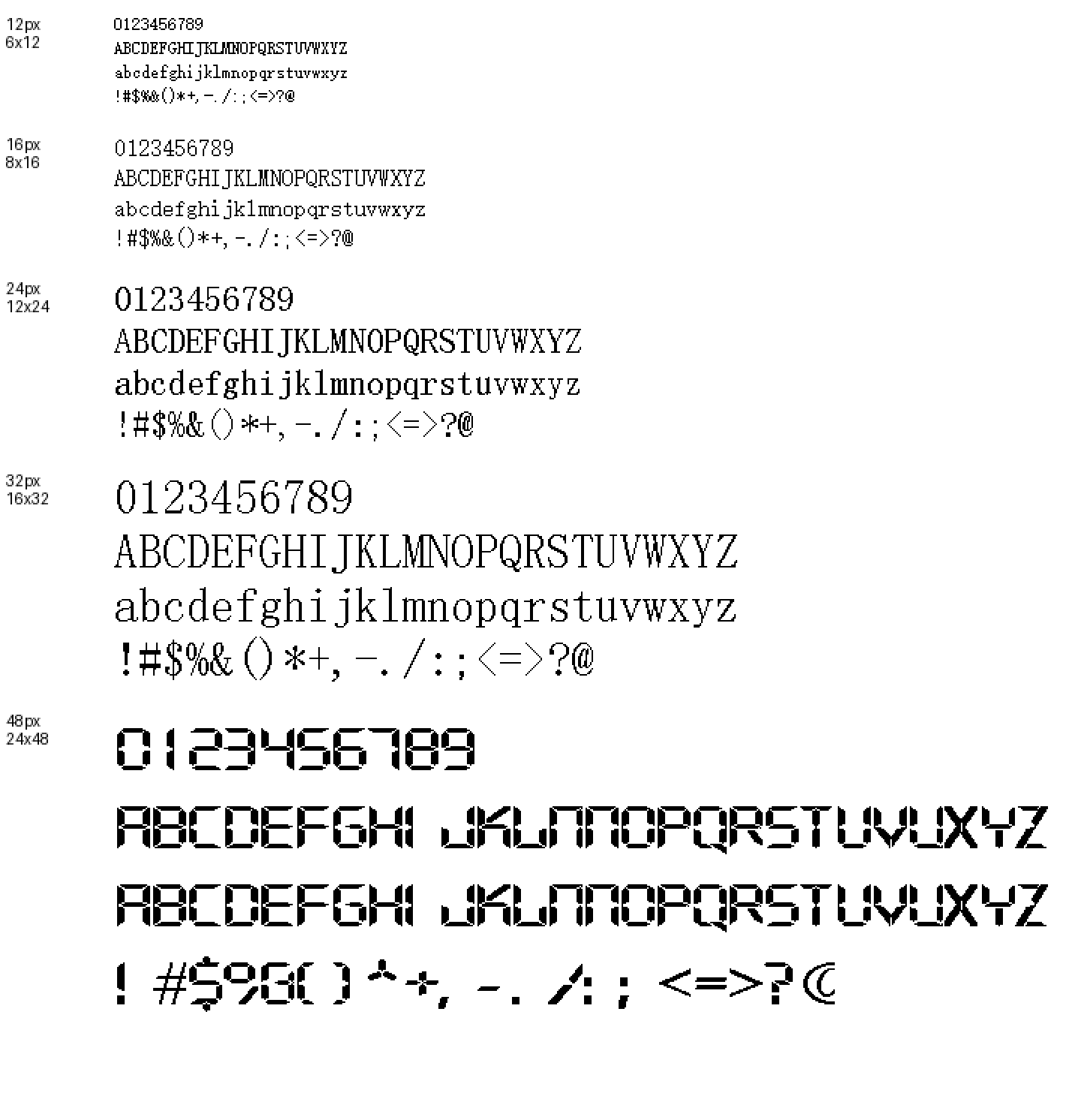
Every time I had to update the design, I had to re-flash the whole firmware into the device. I asked Claude to shorten this feedback loop and it suggested writing the script that would generate screenshots mirroring the e-ink display.
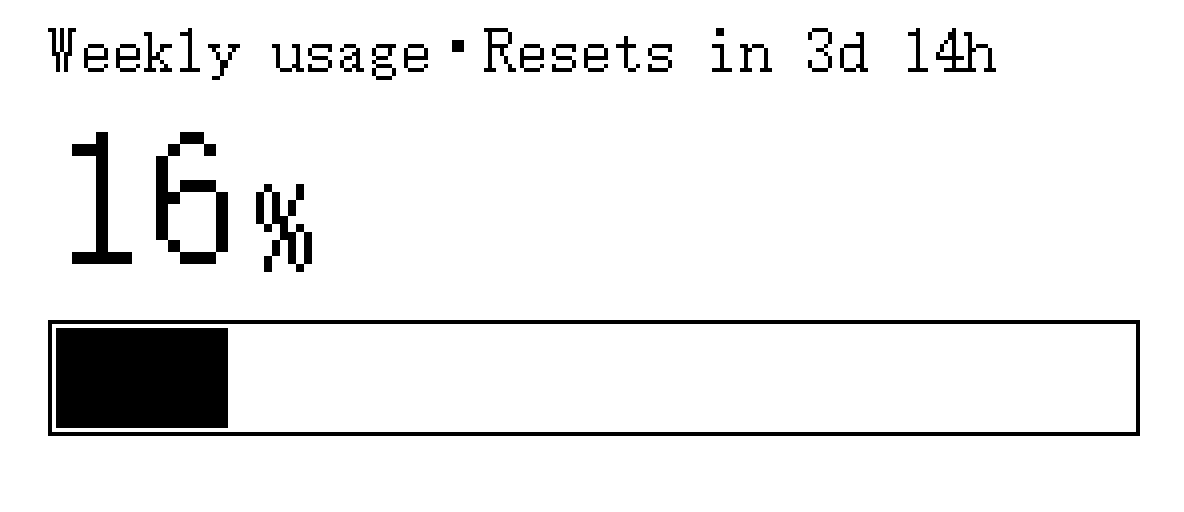
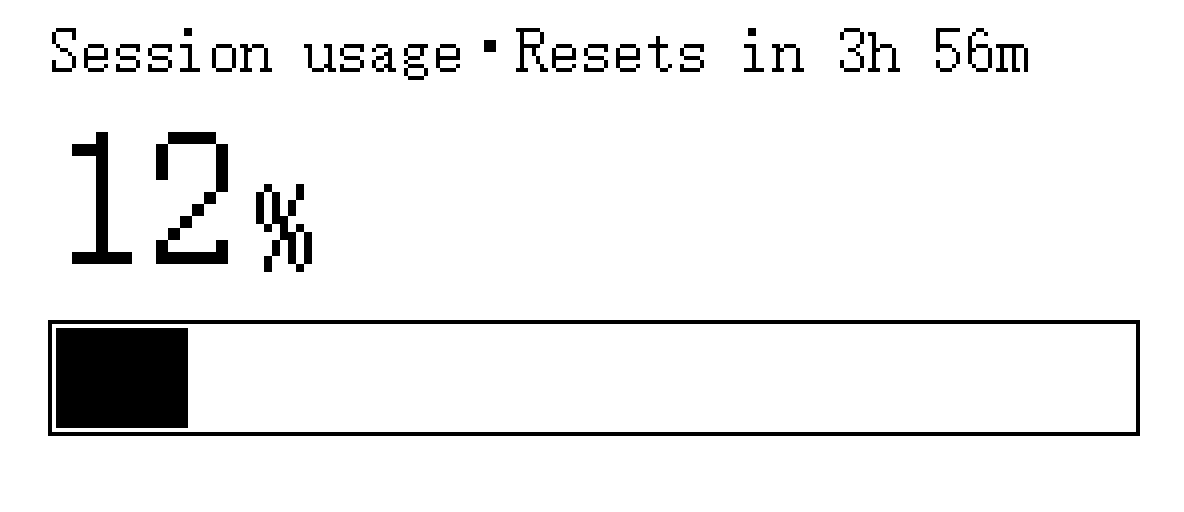
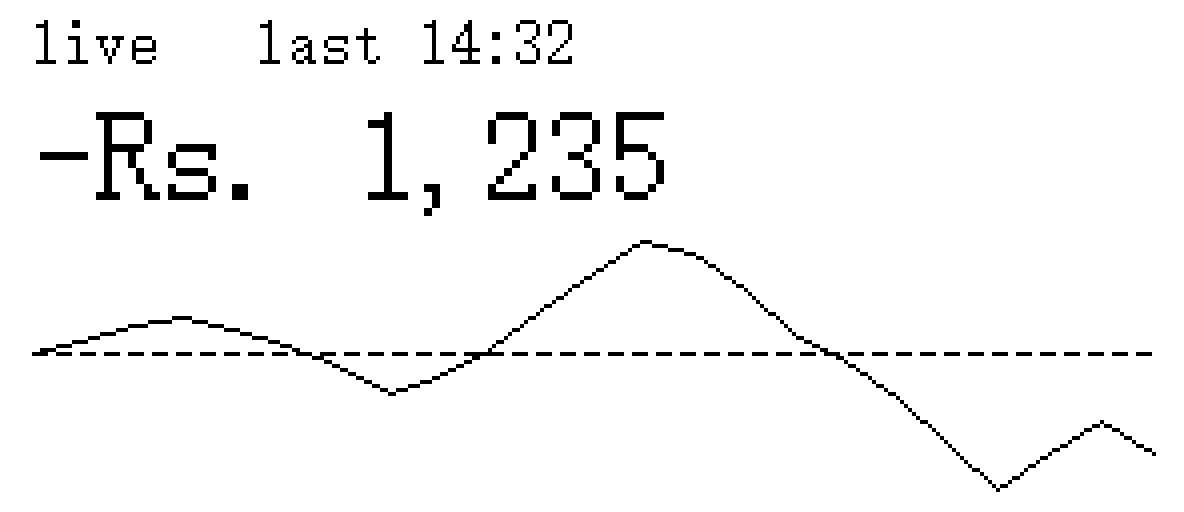
The script generated the images with desired design changes, shortening the feedback loop
Once I was happy with the design, I flashed it for the final time. And now this little desktop companion sits on my desk quietly nudging me to make full use of my Claude subscription.
Next steps
For the next steps I would like to attach it to an external battery. I need to figure out the soldering since the battery attachment isn't easily found in India. Once the battery is attached, I can also maybe charge the battery and keep it as a standalone device.
For now though, I am happy to keep it plugged into the desktop and it continuously keeps monitoring what it's supposed to.
Here's the chat summary with Claude detailing how this all came together.
Feedback? Suggestions? Please feel free to send them in on Twitter at @kns008.